AI models in Visuals
See what the
models can make.
Explore a model through the work. Then bring it into the same workspace for your references, creative process and finished assets.
Give the music motion.
Scenes, visualizers, performance and campaign clips.
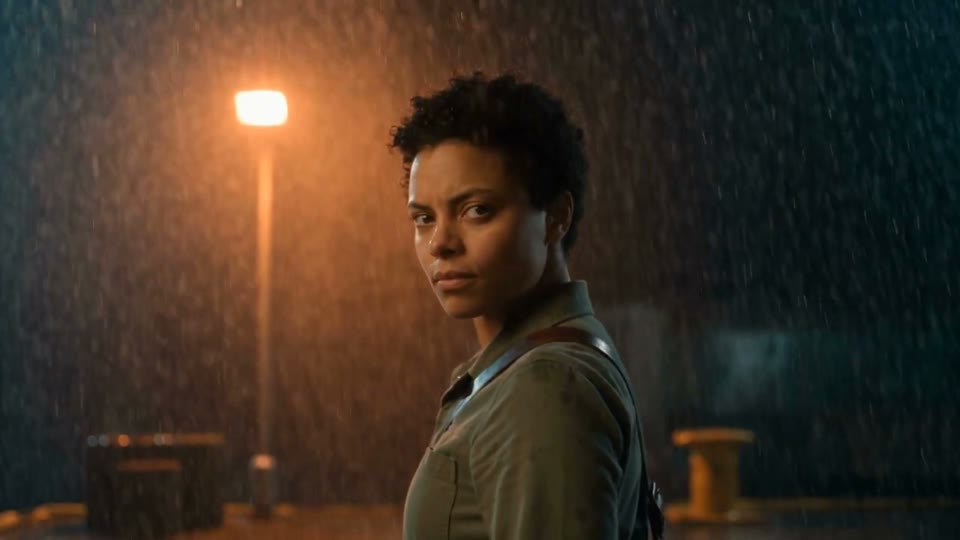
ByteDance
Seedance 2.5
Reference-led music scenes and short release films.
Explore the model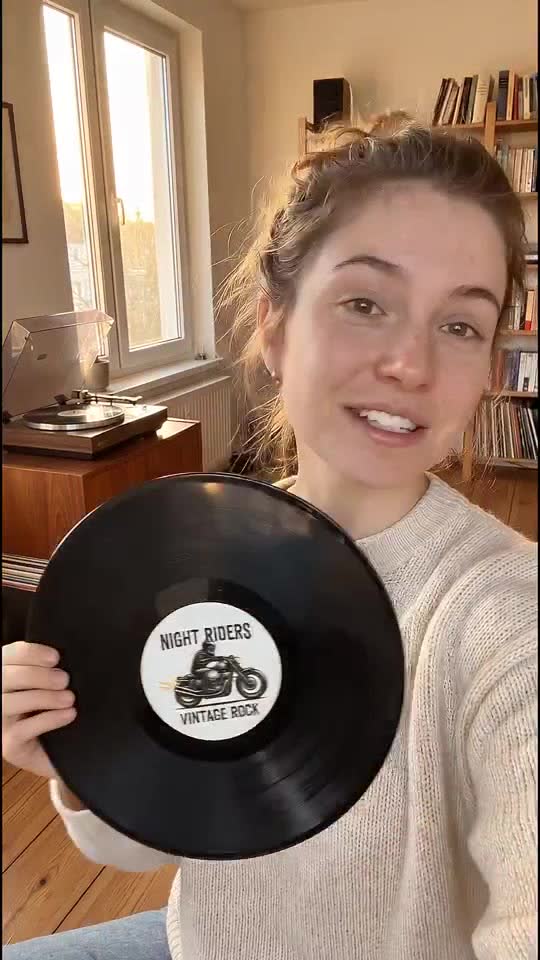
Veo 3.1
Artist scenes, creator-style ads and visualizers.
Explore the model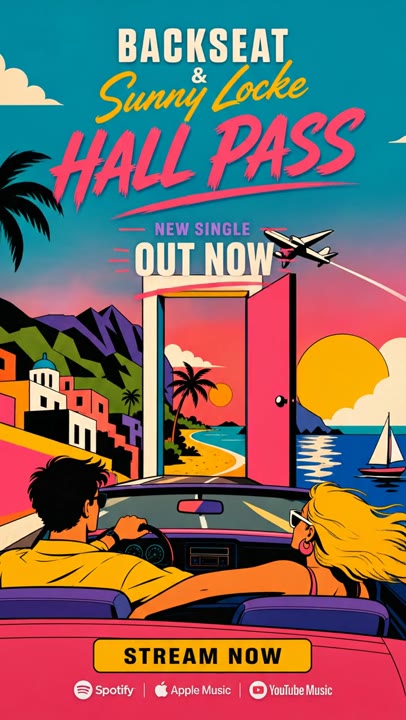
Gemini Omni Flash
Artwork-led campaigns and conversational video edits.
Explore the model- 01 · BringAn image and motion prompt
- 02 · Create withRunway Gen-4 Turbo
- 03 · DevelopVideo clips
Runway
Runway Gen-4 Turbo
Animate a chosen scene frame.
Explore the model- 01 · BringText or a starting image
- 02 · Create withRunway Gen-4.5
- 03 · DevelopVideo clips
Runway
Runway Gen-4.5
Text- or image-led music video scenes.
Explore the model- 01 · BringA starting image; optional ending frame
- 02 · Create withLuma Ray-2
- 03 · DevelopVideo clips
Luma
Luma Ray-2
Image-led motion with start and end frames.
Explore the model- 01 · BringA starting image; optional ending frame
- 02 · Create withLuma Ray-Flash-2
- 03 · DevelopVideo clips
Luma
Luma Ray-Flash-2
Quicker image-to-video exploration.
Explore the model- 01 · BringText and supported frame inputs in Visuals
- 02 · Create withLuma Ray 3.2
- 03 · DevelopVideo clips
Luma
Luma Ray 3.2
A video model for deliberate scene development.
Explore the model- 01 · BringText, images and frame inputs
- 02 · Create withKling 3 Video
- 03 · DevelopVideo clips
Kling AI
Kling 3 Video
Scenes and short narratives with optional audio.
Explore the model- 01 · BringText, images and video references
- 02 · Create withKling 3 Omni
- 03 · DevelopVideo clips and edited scenes
Kling AI
Kling 3 Omni
Reference-led video generation and editing.
Explore the model- 01 · BringA character image and motion-reference video
- 02 · Create withKling Motion Control
- 03 · DevelopA character video following the reference motion
Kling AI
Kling Motion Control
One performance, different characters.
Explore the model- 01 · BringText, images and optional source video
- 02 · Create withKling O1 Edit
- 03 · DevelopGenerated or edited clips
Kling AI
Kling O1 Edit
Reference-aware video edits and variations.
Explore the model- 01 · BringOne portrait image and speech audio
- 02 · Create withKling Avatar V2
- 03 · DevelopA talking-character video
Kling AI
Kling Avatar V2
A portrait and a voice become a performance.
Explore the model- 01 · BringText, images, video and audio
- 02 · Create withSeedance 2.0
- 03 · DevelopVideo clips
ByteDance
Seedance 2.0
Multimodal references for music scenes.
Explore the model- 01 · BringText, images, video and audio
- 02 · Create withSeedance 2.0 Fast
- 03 · DevelopVideo clips
ByteDance
Seedance 2.0 Fast
Quicker iterations with multimodal inputs.
Explore the model- 01 · BringText, images, video and audio
- 02 · Create withSeedance 2.0 Mini
- 03 · DevelopVideo clips
ByteDance
Seedance 2.0 Mini
A smaller-cost option for visual exploration.
Explore the modelFind the visual direction.
Artist concepts, scene frames, treatments and campaign imagery.
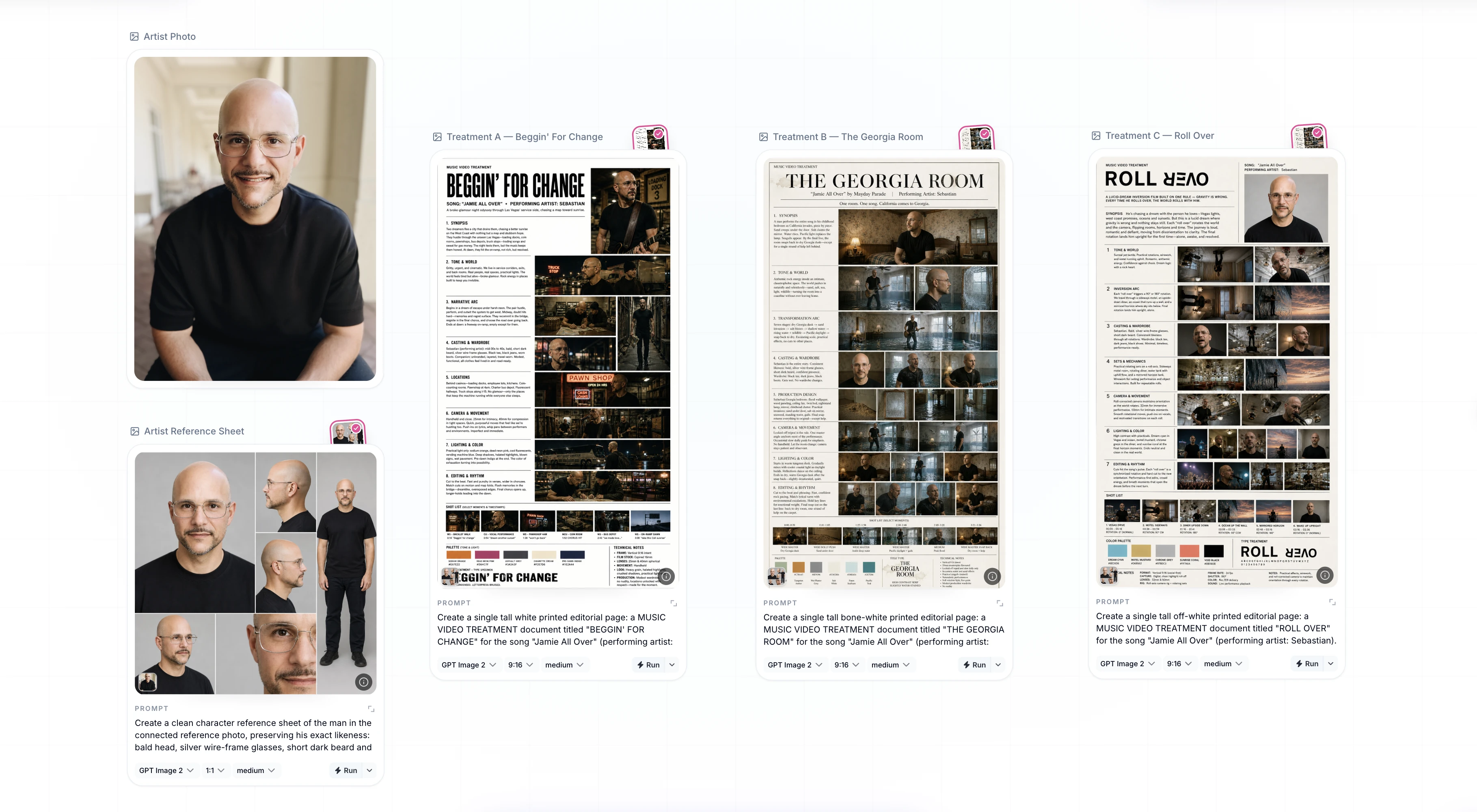
OpenAI
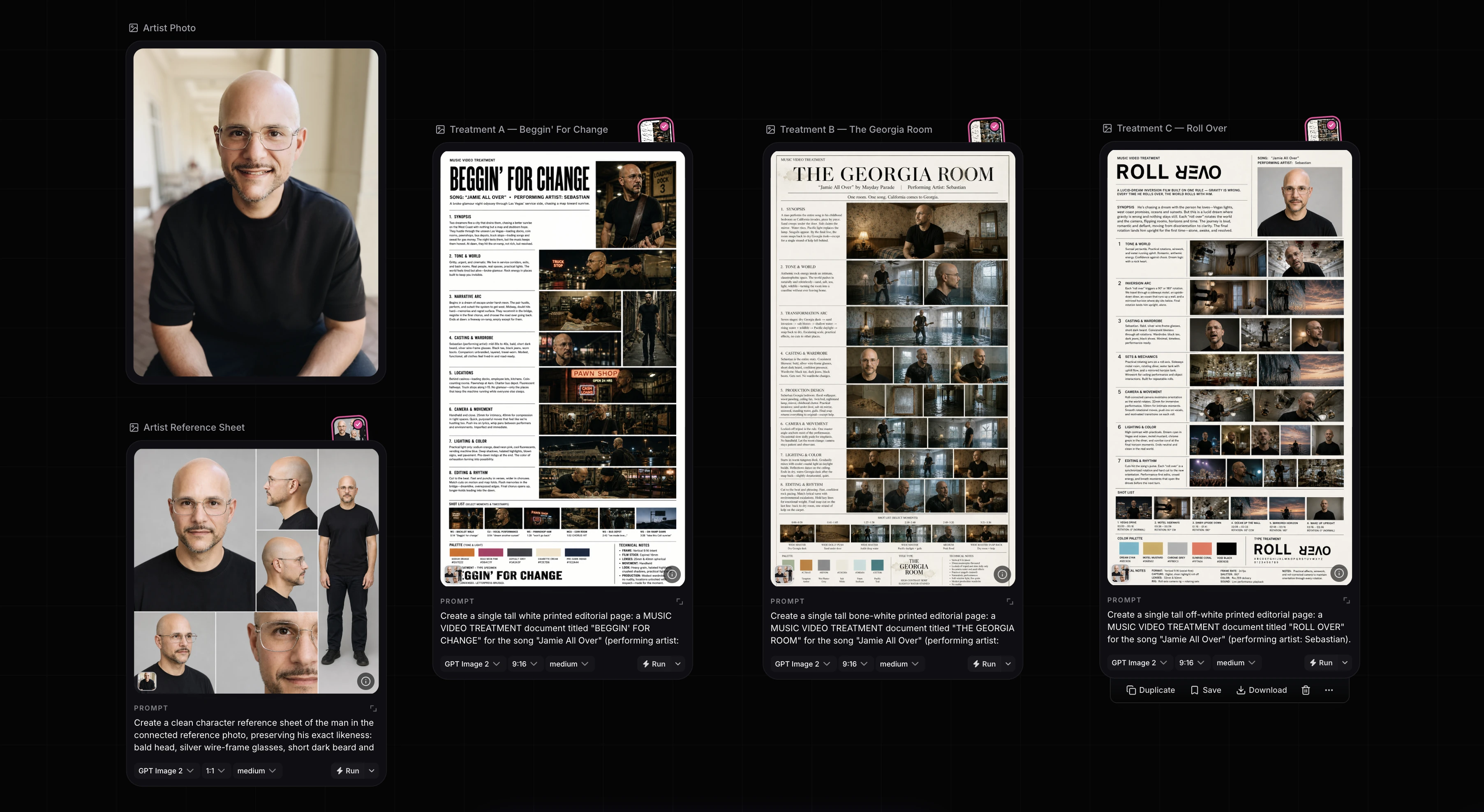
GPT Image 2
Artist references, treatments and campaign ideas.
Explore the model- 01 · BringText or one source image
- 02 · Create withGPT Image 1.5
- 03 · DevelopImages and edited variations
OpenAI
GPT Image 1.5
Image editing for release and social concepts.
Explore the model- 01 · BringText and reference images
- 02 · Create withNano Banana 2
- 03 · DevelopScene frames and campaign images
Nano Banana 2
Flexible image generation for music campaigns.
Explore the model- 01 · BringText and reference images
- 02 · Create withNano Banana Pro
- 03 · DevelopDetailed generated or edited images
Nano Banana Pro
Detailed campaign images and art direction.
Explore the model- 01 · BringText or an image
- 02 · Create withNano Banana 2 Lite
- 03 · Develop1K images
Nano Banana 2 Lite
Early image studies and individual social ideas.
Explore the model- 01 · BringText and image references
- 02 · Create withFLUX 2 Pro
- 03 · DevelopCampaign and scene images
Black Forest Labs
FLUX 2 Pro
Multi-reference imagery for a coherent direction.
Explore the model- 01 · BringText and one source image
- 02 · Create withFLUX Kontext Max
- 03 · DevelopEdited images
Black Forest Labs
FLUX Kontext Max
Context-aware edits to a selected image.
Explore the model- 01 · BringA written visual brief
- 02 · Create withFLUX Dev
- 03 · DevelopGenerated images
Black Forest Labs
FLUX Dev
Text-to-image exploration for music worlds.
Explore the model- 01 · BringA written visual brief
- 02 · Create withFLUX Schnell
- 03 · DevelopConcept images
Black Forest Labs
FLUX Schnell
Fast first-pass compositions and mood ideas.
Explore the model- 01 · BringText and image references
- 02 · Create withLuma Photon
- 03 · DevelopGenerated images
Luma
Luma Photon
Reference-led scenes and campaign stills.
Explore the model- 01 · BringText and image references
- 02 · Create withLuma Photon Flash
- 03 · DevelopGenerated images
Luma
Luma Photon Flash
Quick visual alternatives from a compact brief.
Explore the modelOne workspace.
More ways to make it.
Choose the model for the job while keeping your references, Skills, Flows and outputs together in Visuals.
Leading image, video and voice models.
One place to make them work together.
 OpenAI
 Google
 Runway
 Kling AI
 Seedance
 ElevenLabs
 Anthropic
 Luma
LumaLet's make something worth seeing.
Start with one release.
Bring your music, your references, your next big idea. See what your team can make with Visuals.
Start free. No card needed.