More room for the scene.
Generate up to 30 seconds in one pass. Give a performance, camera move or short story time to develop, then use the result in a larger composition.
ByteDance · In the Visuals workspace
Create music video scenes, release films and ad creative with Seedance 2.5 inside Visuals. Bring your references, shape the direction and keep developing the work on the canvas.
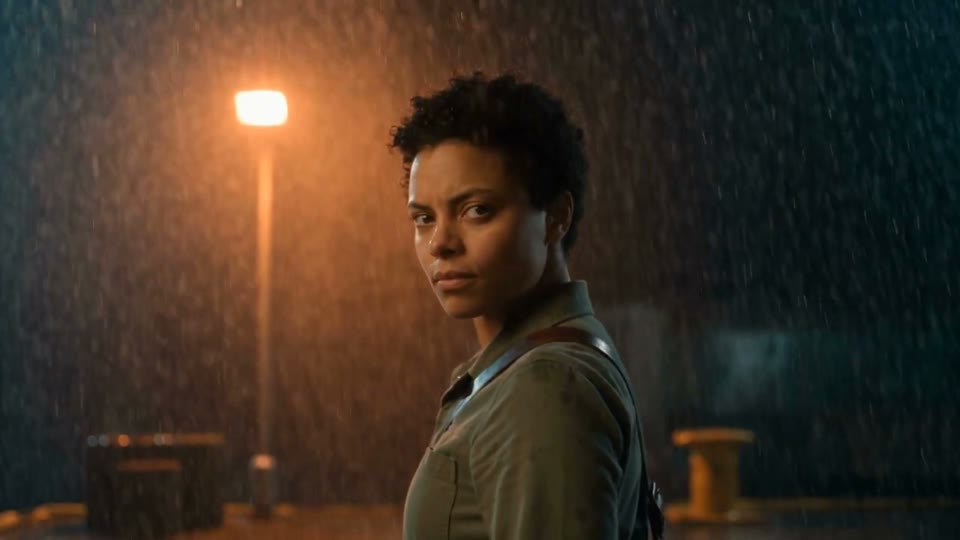
Generate up to 30 seconds in one pass. Give a performance, camera move or short story time to develop, then use the result in a larger composition.
Use images, video and audio to guide the result. A character sheet, a hero object and a brief can carry a specific idea into a scene.
Generate audio with the video, or work without it when your own recording will lead. Review the performance, movement and sound together.
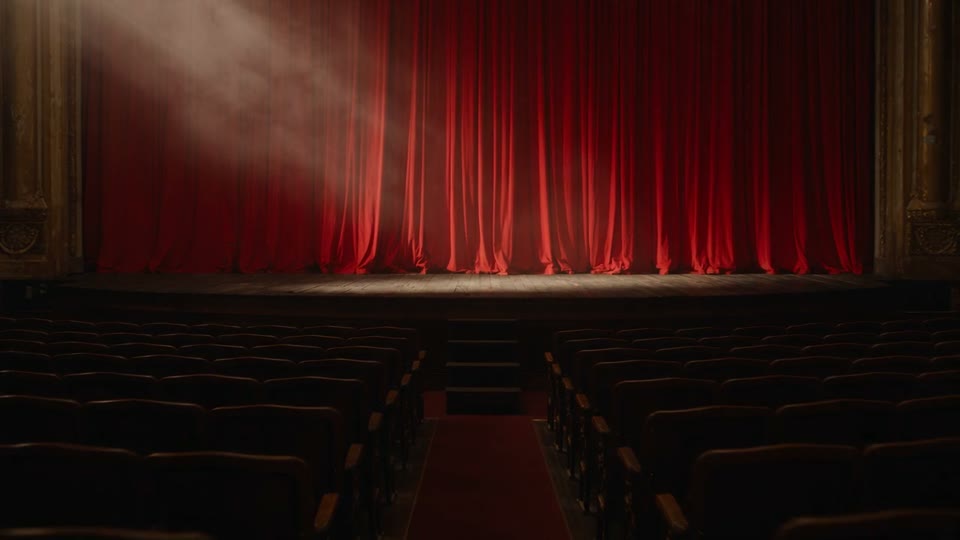
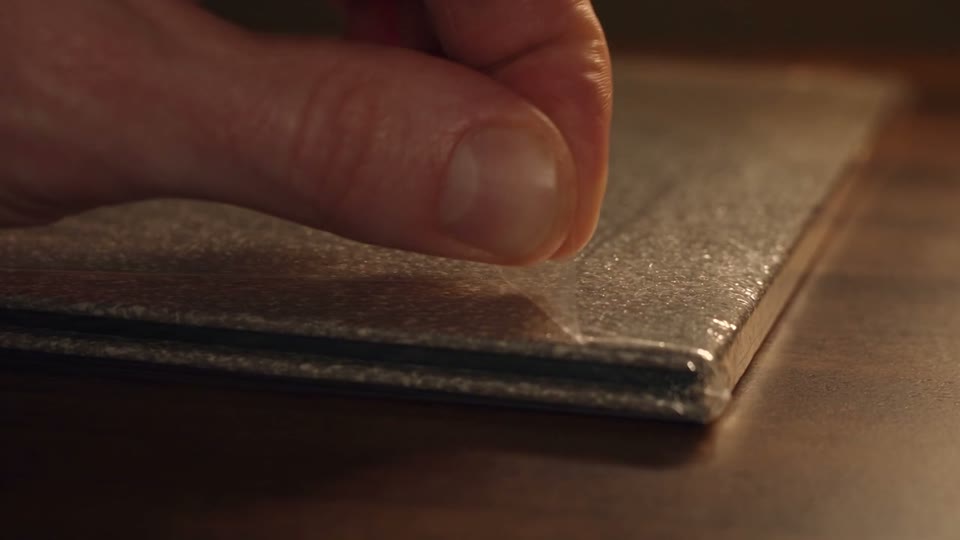
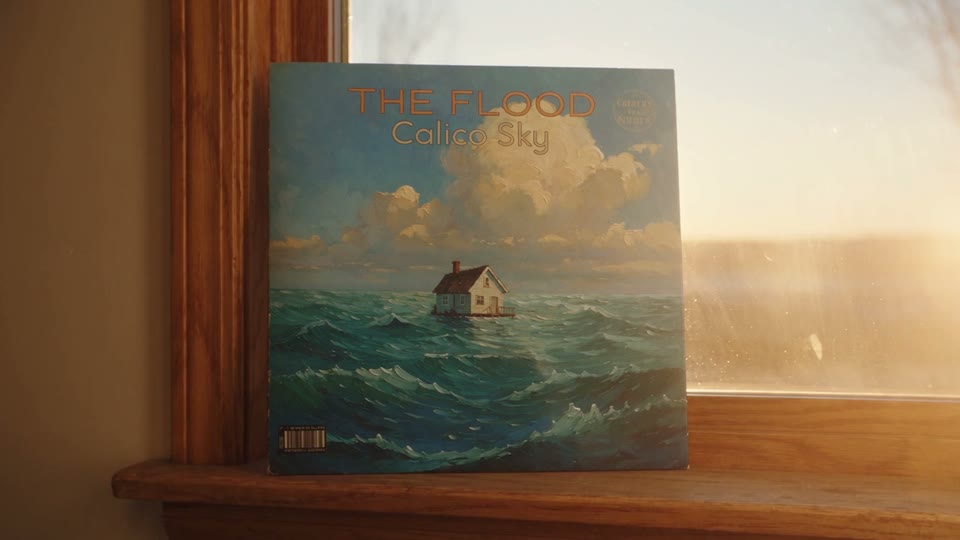
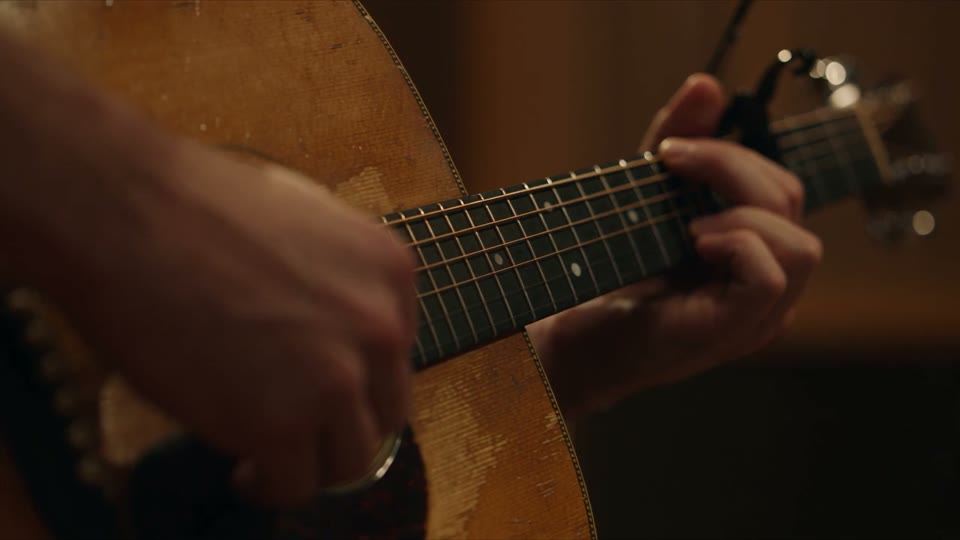
Real outputs made in Visuals: music scenes, a record ritual, a release film and a fresh way to bring a catalog recording back into view.
The model is part of the process.
Keep the brief, references and selected outputs together. Use Cards and Presets to develop the idea, save the repeatable steps as a Flow, and bring the clips into a composition when you are ready to edit and finish.
Explore the Visuals canvas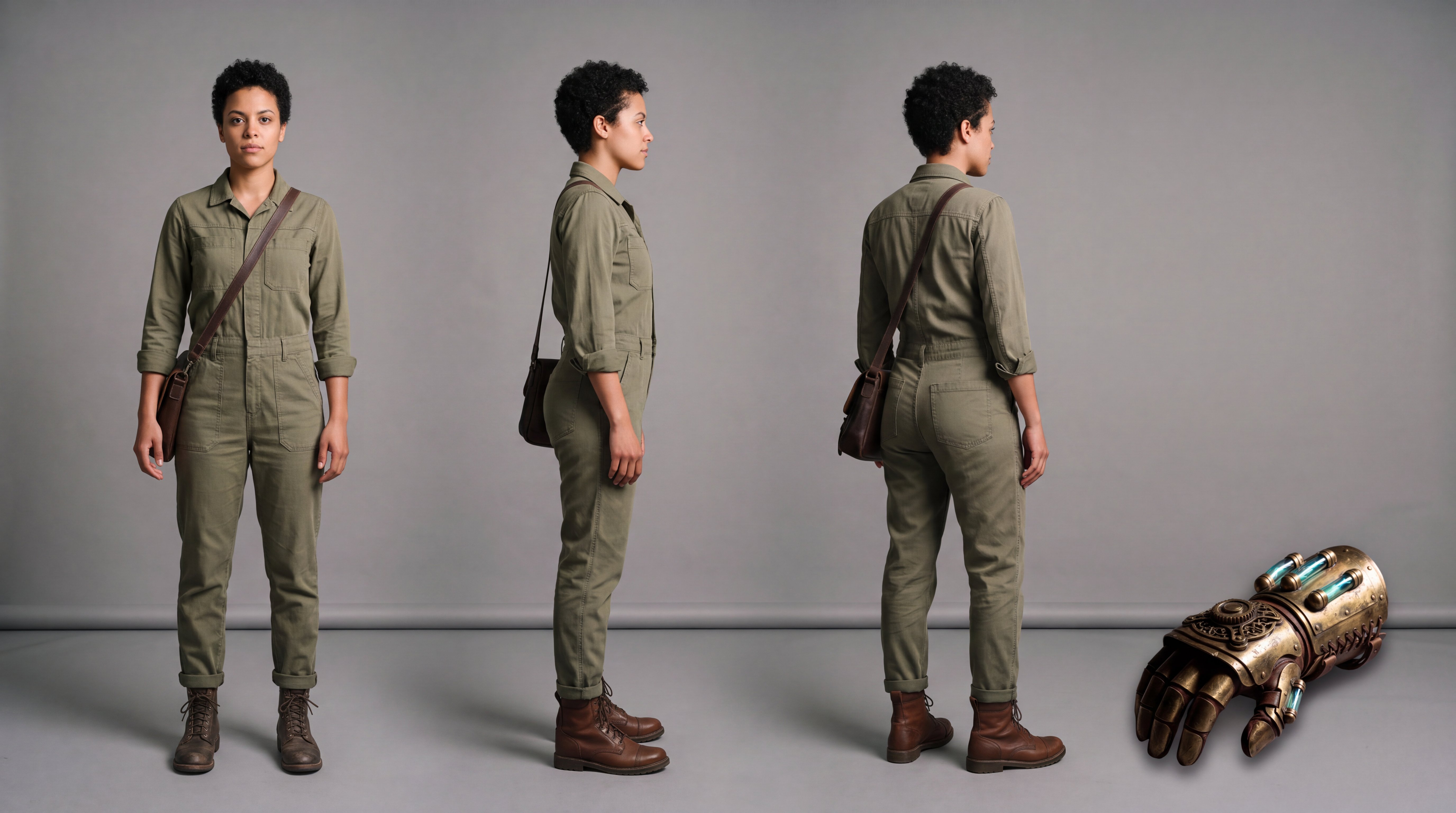
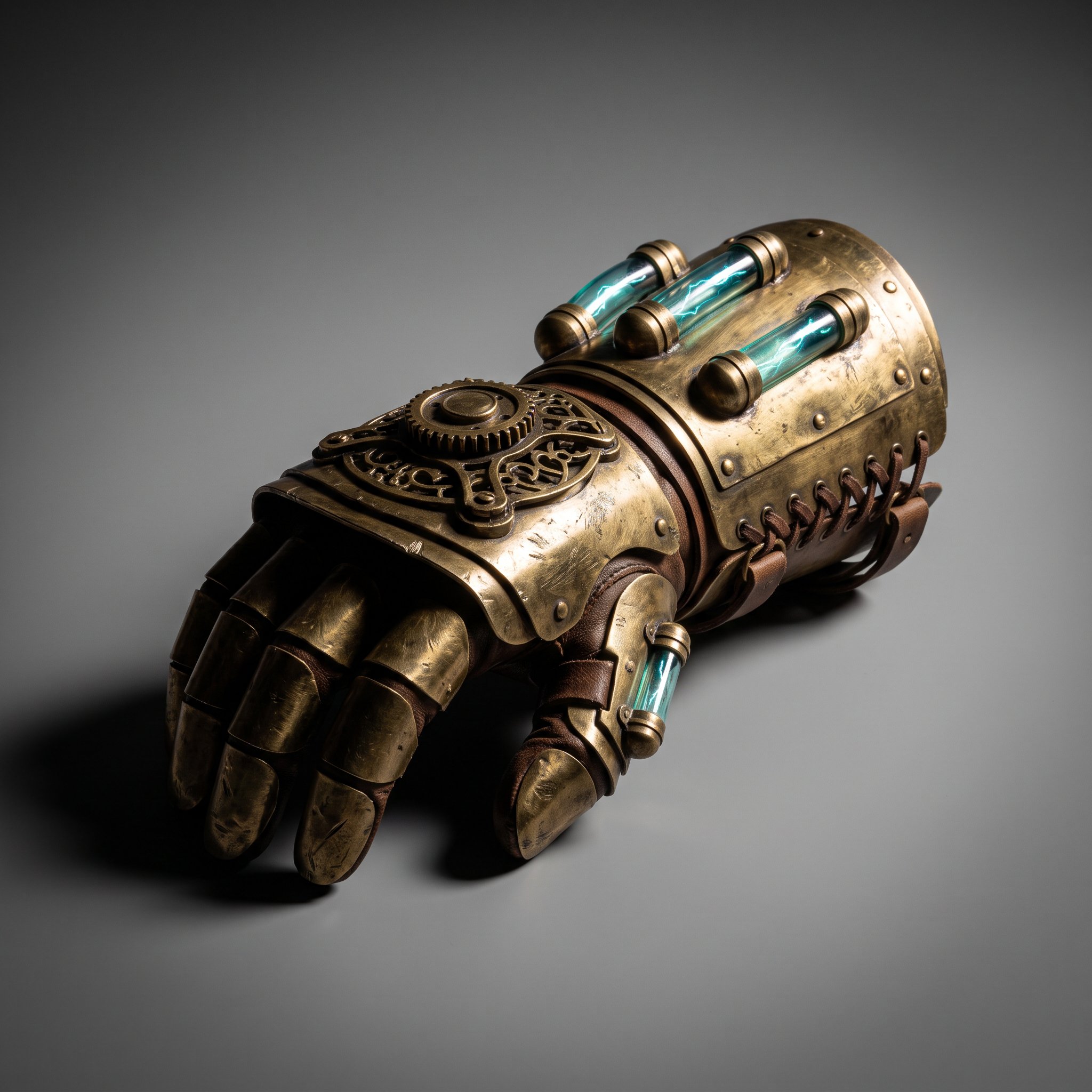 Actual reference inputs for the featured film.
Current generation options in Visuals. Choose the configuration that fits your creative brief.
Seedance 2.5 is ByteDance’s audio-video generation model. In Visuals, you can use it for scenes, promotional films and other video work while keeping references and outputs in the same creative workspace.
A single generation can be up to 30 seconds. A longer music video can combine multiple scenes in a Visuals composition, with the recording, timing and final edit shaped around the project.
Yes. Start from your own references, use a starting frame, or guide a scene with supported image, video and audio inputs. The available combinations depend on the generation mode you choose.
The current Seedance 2.5 generation settings in Visuals are 480p and 720p. Choose the quality and duration for the work you are making and review the run price before generating.
The duration, resolution and reference inputs affect the quote. See the pricing page for plan allowances, and review the current quote in the app before you generate.
Yes. Keep the steps in a Flow and creative guidance in Skills, then start a new Project with updated references. Your team can develop the direction further with cards, compositions and final renders.
Let's make something worth seeing.
Bring your music, your references, your next big idea. See what your team can make with Visuals.
Start free. No card needed.