
Silent preview
Live wire
Spotify Canvas · 9:16
Spotify Canvas
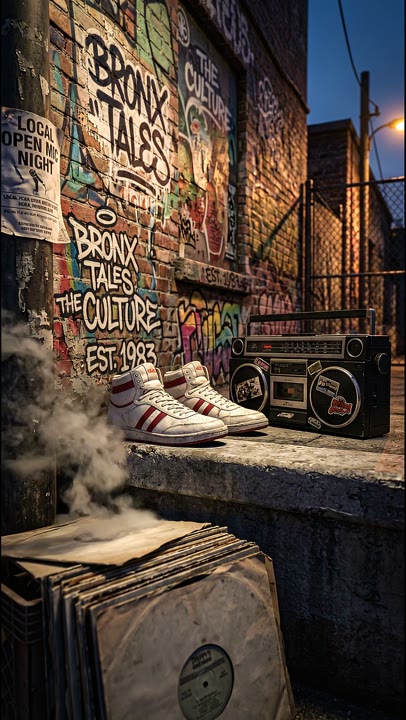
Create a Spotify Canvas with AI: a short vertical loop that belongs to the song. Bring existing artwork or a fresh visual direction into motion.
 Spotify
 YouTube
 Instagram
 TikTok
 Apple Music
Choose a visual that works immediately, then refine the movement and loop. Your source artwork can set the tone without having to appear as a static cover on screen.
Bring artwork, an artist image or another reference that captures the song's world.
Build a short vertical motion study with a clear subject and a considered beginning and end.
Check the loop and export the asset for your Spotify for Artists upload workflow.
Vertical motion studies for the listening screen, from performance to atmosphere and abstract colour.
Spotify Canvas · 9:16
Spotify Canvas · 9:16

Spotify Canvas · 9:16

Spotify Canvas · 9:16
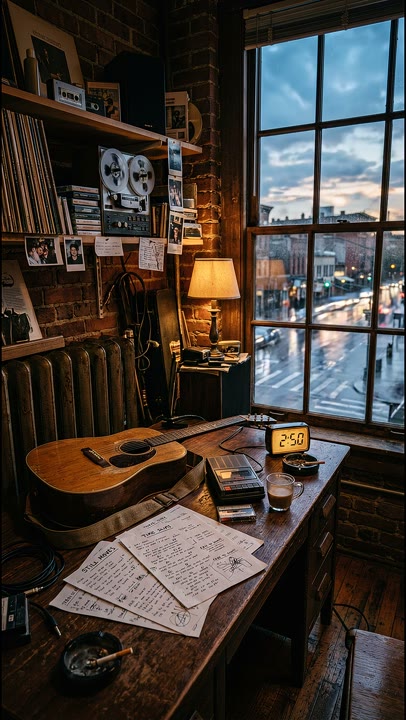
Spotify Canvas · 9:16

Spotify Canvas · 9:16

YouTube visualizer

Ad creative
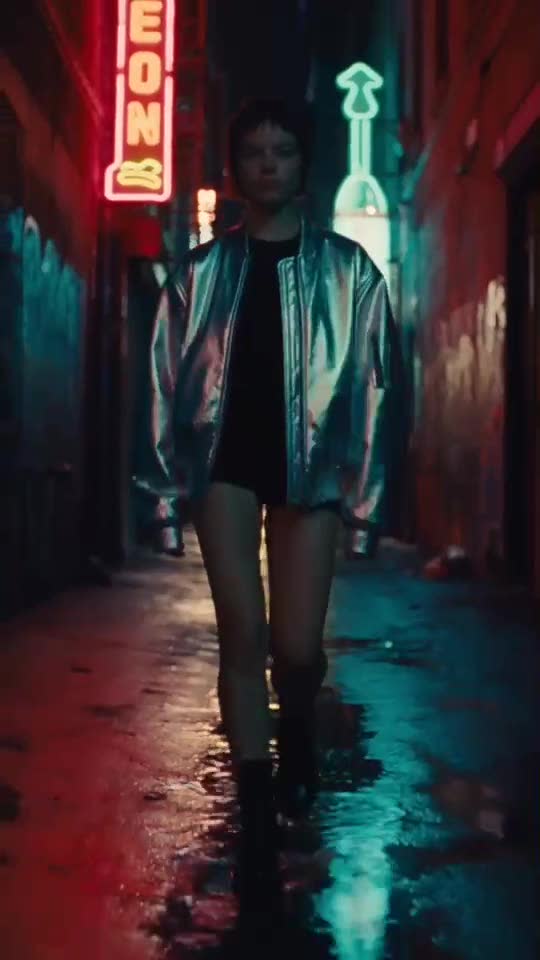
Social content
Yes. Spotify Canvas is the short visual loop that accompanies a track on Spotify. The Visuals visual canvas is the workspace where you build and refine your project.
The workflow produces the visual asset. Upload and manage your Canvas through the Spotify for Artists tools used by your team.
Yes. Use the visual direction across a release, then adapt the duration, aspect ratio and layout to each destination.
Let's make something worth seeing.
Bring your music, your references, your next big idea. See what your team can make with Visuals.
Your first 100 credits are on us.