Make the message feel human.
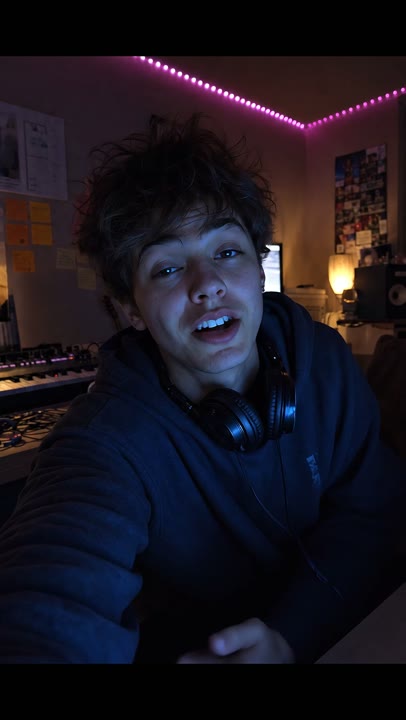
Develop creator-style promos and artist-facing social scenes, then review the performance and message together.
Explore this workflowGoogle · In the Visuals workspace
Create artist scenes, creator-style ads, YouTube visualizers and Spotify Canvas visuals with Veo 3.1 in Visuals. Compare the standard, Flash and Lite options in the same music-focused workspace.
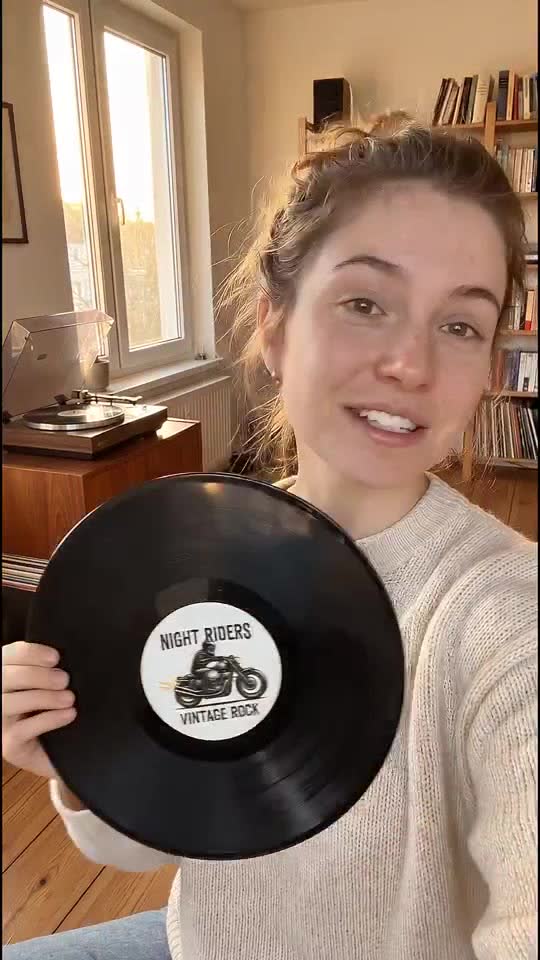
Develop creator-style promos and artist-facing social scenes, then review the performance and message together.
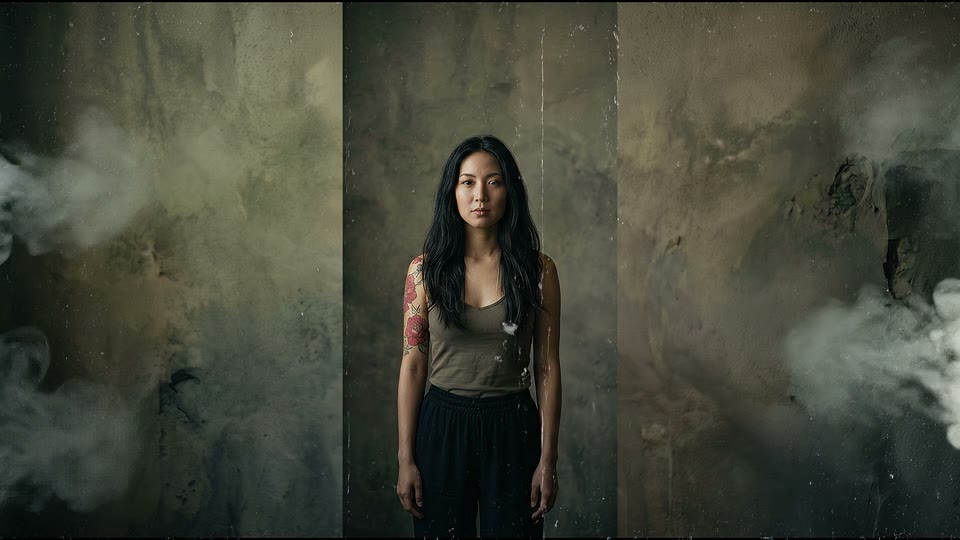
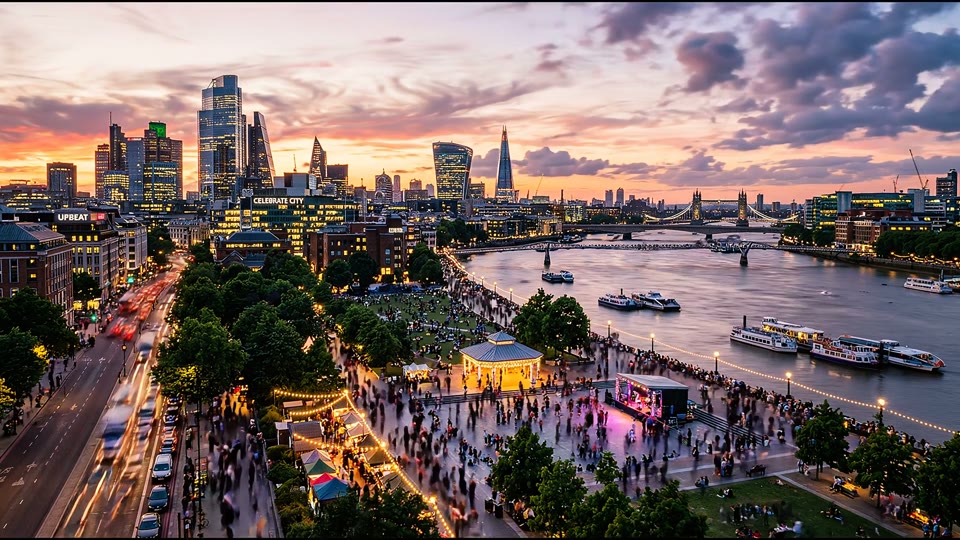
Explore this workflowBuild moving portraits, environments and time-lapse-style scenes for a YouTube visualizer.
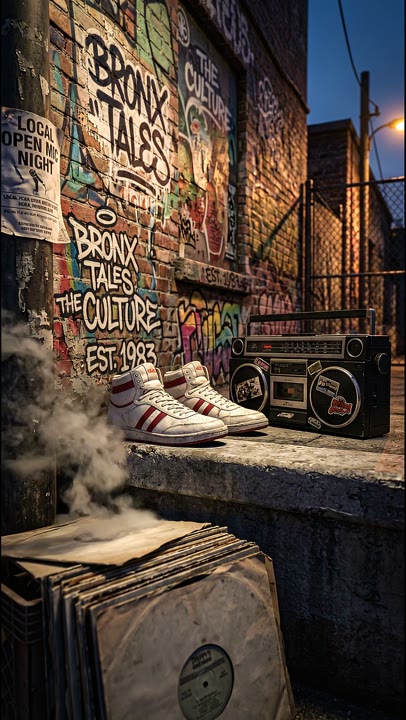
Explore this workflowExplore a portrait loop for Spotify Canvas or a short scene for a Story, with the placement visible as you work.
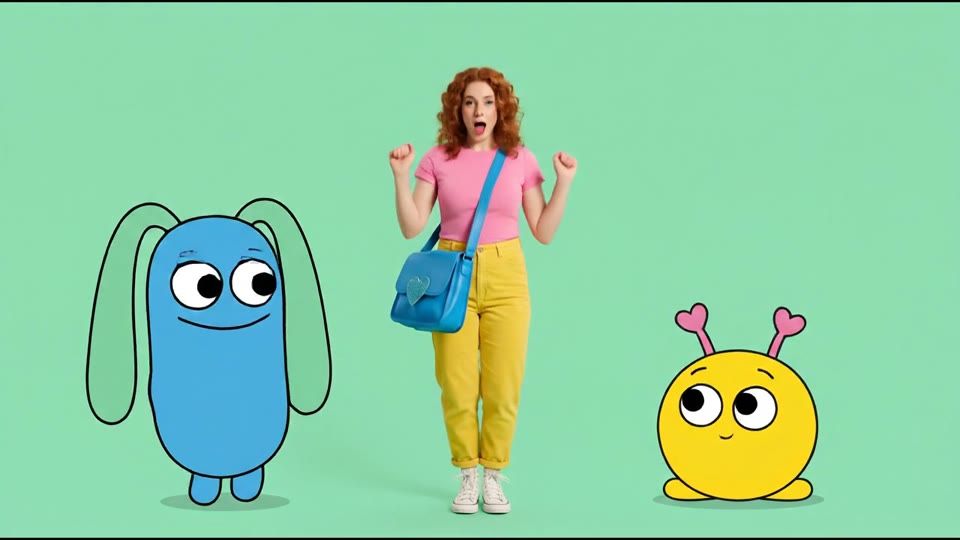
Explore this workflowThese creator-style ads, visualizers, Canvas clips and animated characters were identified as Veo 3.1 work. The exact standard or Flash variant was not recorded for every example.
The model is part of the process.
Keep one creative brief and compare suitable variants. Choose the clip length and resolution for the shot; higher resolution and reference-image modes have different duration requirements.
Keep the brief, references and selected outputs together. Use Cards and Presets to develop the idea, save the repeatable steps as a Flow, and bring the clips into a composition when you are ready to edit and finish.
Explore the Visuals canvasBuilt around the music.
Keep the artist references, decisions and chosen outputs in one Project. Save creative guidance as Skills and repeatable steps as Flows.
For labels and music teams For artists and music creatorsCurrent generation options in Visuals. Choose the configuration that fits your creative brief.
Create artist scenes, creator-style ads, YouTube visualizers and Spotify Canvas visuals with Veo 3.1 in Visuals. Compare the standard, Flash and Lite options in the same music-focused workspace. Keep one creative brief and compare suitable variants. Choose the clip length and resolution for the shot; higher resolution and reference-image modes have different duration requirements.
The model, selected settings and any source inputs determine the run price. Compare example capacities on the pricing page and review the quote in Visuals before generating. Images, clips and other creative steps draw from the same credit allowance.
Let's make something worth seeing.
Bring your music, your references, your next big idea. See what your team can make with Visuals.
Your first 100 credits are on us.