Turn artwork into a release moment.
Build short promos around existing artwork and review the title, motion and message before publishing.
Explore this workflowGoogle · In the Visuals workspace
Develop artwork-led music promos and refine video through instructions with Gemini Omni Flash in Visuals. Keep release references, campaign variations and the creative process together on the canvas.

Build short promos around existing artwork and review the title, motion and message before publishing.
Explore this workflowUse a Flow to carry the release references into different Stories and announcement assets.
Explore this workflowDescribe a specific change to supported source footage, keeping the original and the edited version together for review.
Explore this workflowZip Code and Hall Pass were created with Gemini Omni Flash 1.0. They illustrate the family’s campaign workflow; they are not presented as 1.1 outputs.
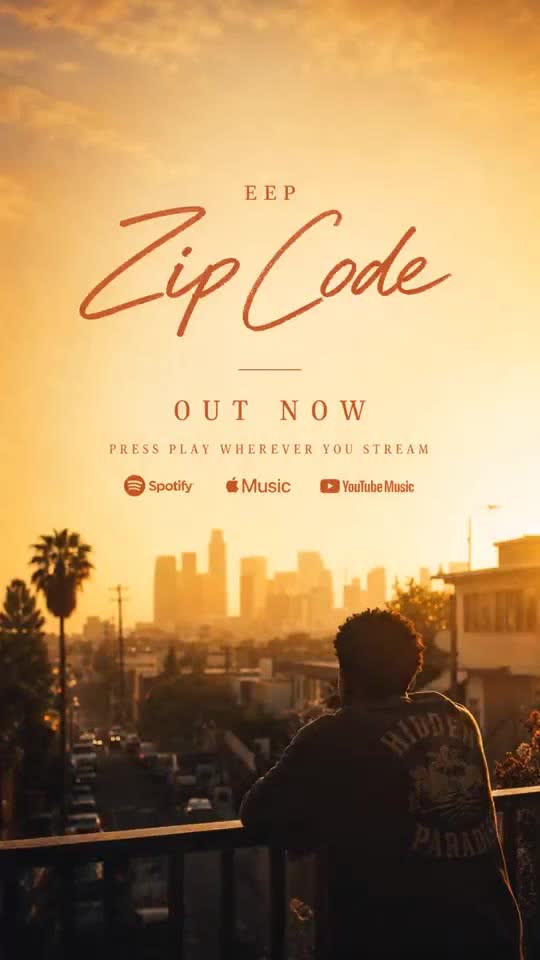
Ad creative · 9:16
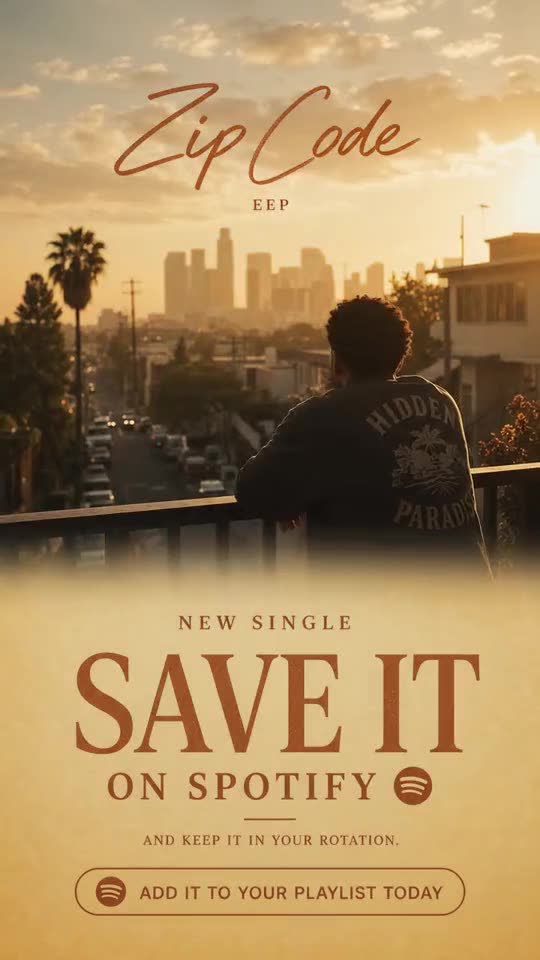
Social content · 9:16
Ad creative · 9:16
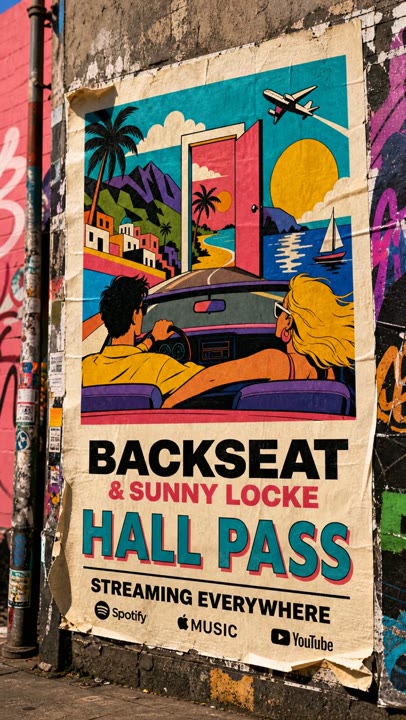
Ad creative · 9:16
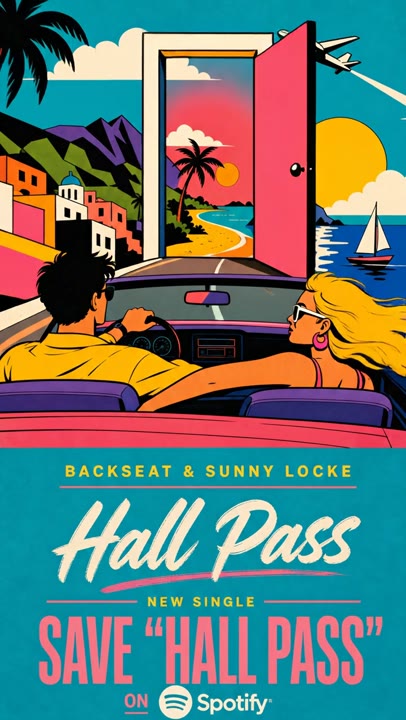
Social content · 9:16
The model is part of the process.
Start with the artwork and the intended placement. Keep instructions specific, review the result, and save a useful sequence of steps as a Flow for the next release.
Keep the brief, references and selected outputs together. Use Cards and Presets to develop the idea, save the repeatable steps as a Flow, and bring the clips into a composition when you are ready to edit and finish.
Explore the Visuals canvasBuilt around the music.
Keep the artist references, decisions and chosen outputs in one Project. Save creative guidance as Skills and repeatable steps as Flows.
For labels and music teams For artists and music creatorsCurrent generation options in Visuals. Choose the configuration that fits your creative brief.
Develop artwork-led music promos and refine video through instructions with Gemini Omni Flash in Visuals. Keep release references, campaign variations and the creative process together on the canvas. Start with the artwork and the intended placement. Keep instructions specific, review the result, and save a useful sequence of steps as a Flow for the next release.
The model, selected settings and any source inputs determine the run price. Compare example capacities on the pricing page and review the quote in Visuals before generating. Images, clips and other creative steps draw from the same credit allowance.
Let's make something worth seeing.
Bring your music, your references, your next big idea. See what your team can make with Visuals.
Your first 100 credits are on us.